
# Guide to Paying Islamabad Vehicle Token Tax Online via App (2026)
In 2026, the method for paying vehicle token tax in Islamabad has been enhanced for greater efficiency and ease, owing to advancements in digital technology. The Islamabad Capital Territory (ICT) administration has launched a user-friendly mobile application that enables vehicle owners to pay their token tax online. This guide will outline the steps to effectively manage your vehicle token tax through the app.
## Step-by-Step Guide to Paying Vehicle Token Tax Online
### Step 1: Download the ICT Vehicle Tax App
1. **Access the App Store**: Open the Google Play Store or Apple App Store on your smartphone.
2. **Search for the App**: Enter “ICT Vehicle Tax” in the search bar.
3. **Download and Install**: Select the app from the search results and click “Install” to download it to your device.
### Step 2: Register or Log In
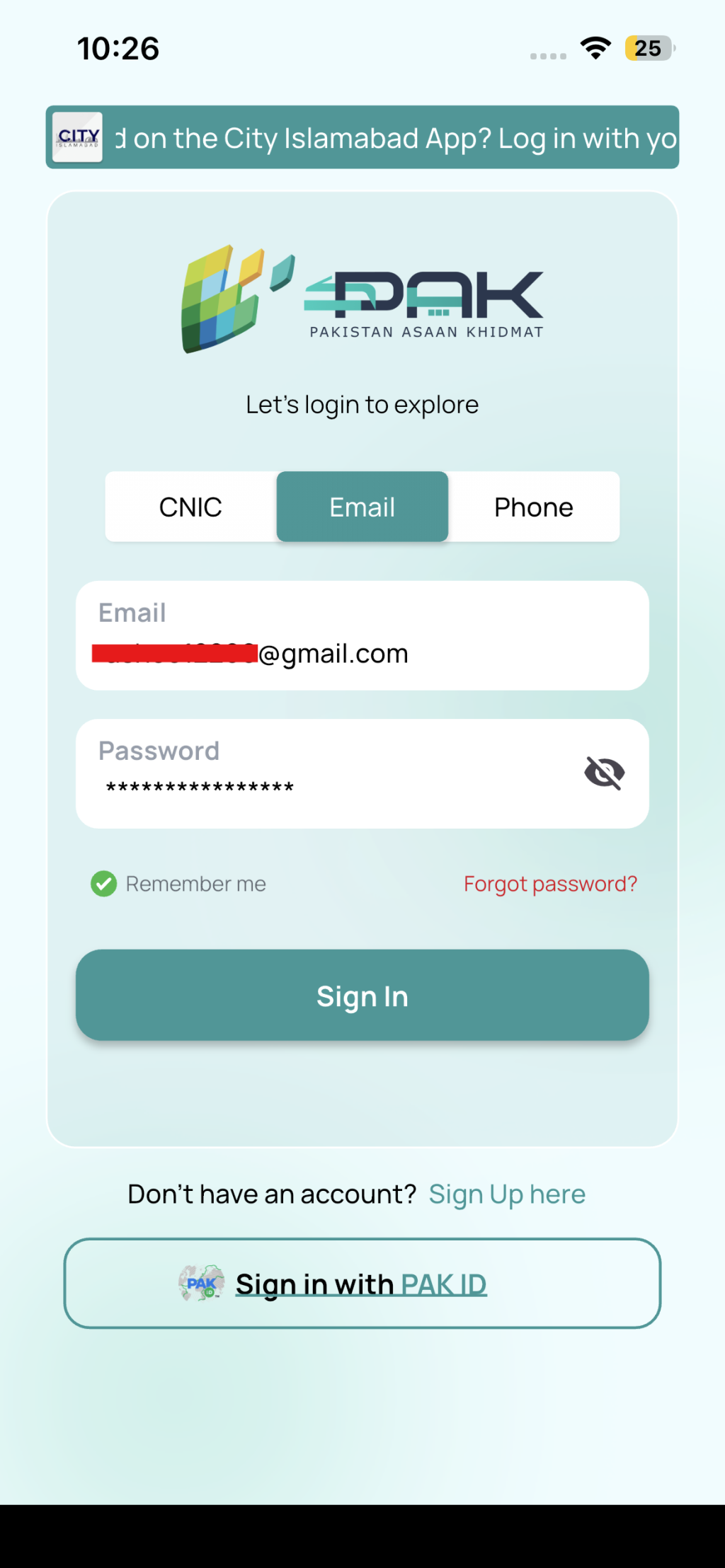
1. **Open the App**: Launch the app after installation.
2. **Create an Account**: If you are a new user, tap on “Register” and provide your details, including your CNIC, mobile number, and email address.
3. **Log In**: If you already possess an account, enter your credentials to access it.
### Step 3: Add Vehicle Details
1. **Navigate to Vehicle Section**: Once logged in, head to the “My Vehicles” section.
2. **Add Vehicle**: Click on “Add Vehicle” and input the necessary information such as vehicle registration number, engine number, and chassis number.
3. **Verify Information**: Ensure all details are accurate and press “Submit.”
### Step 4: Check Token Tax Details
1. **View Tax Information**: Select your vehicle from the list to view its token tax information.
2. **Review Tax Amount**: The app will show the due tax amount, including any applicable fines or penalties for late payment.
### Step 5: Make Payment
1. **Select Payment Method**: Choose your desired payment method, such as credit/debit card, mobile wallet, or online banking.
2. **Enter Payment Details**: Complete the necessary payment information and confirm the transaction.
3. **Receive Confirmation**: After successful payment, you will receive a confirmation message and a digital receipt.
### Step 6: Download and Save Receipt
1. **Access Receipt**: Go to the “Payment History” section in the app.
2. **Download Receipt**: Tap on the recent transaction to download the receipt for your records.
## Benefits of Using the ICT Vehicle Tax App
– **Convenience**: Pay your token tax from any location without needing to visit government offices.
– **Time-Saving**: Complete the entire process in mere minutes.
– **Secure Transactions**: The app utilizes advanced encryption to safeguard your payment information.
– **Instant Confirmation**: Obtain immediate confirmation and digital receipts for your payments.
– **Record Keeping**: Easily access your payment history and receipts within the app.
## Conclusion
The ICT Vehicle Tax app offers a simple solution for paying vehicle token tax in Islamabad. By adhering to the steps provided in this guide, you can ensure that your vehicle’s tax is settled punctually, avoiding any penalties and aiding in the efficient management of road infrastructure in the capital city. Embrace the convenience of digital payments and keep your vehicle documentation up to date effortlessly.